Repository navigation
Article Images
The article images manager allows you to upload three images for each article to improve their display:
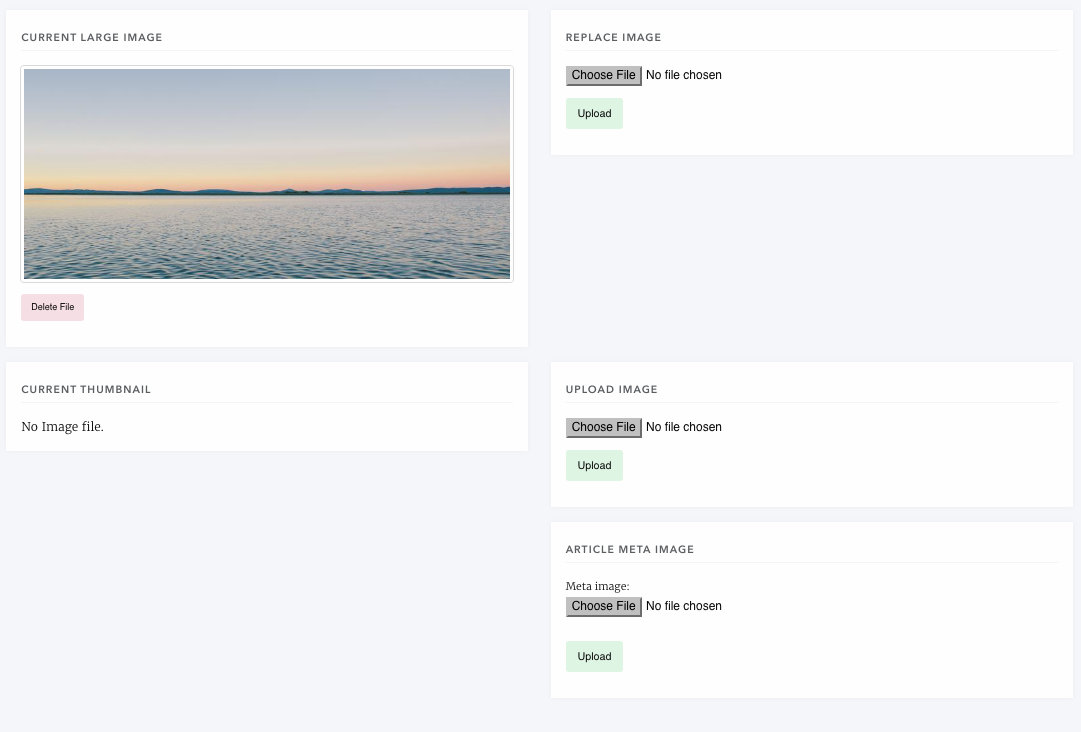
- Large Image File
- This image must be landscape - Janeway will attempt to crop and resize this file but for best results it should be larger than 750px by 324px (aspect ratio of 125:54). This image is used when the article is appearing in the Carousel and across the top of the article page.
- Thumbnail
- The only constraint on this file is that it should be square (best at 100px x 100px), it is used in article listing instanced (Articles and Issue listing) and is displayed next to the text of the article.
- Meta Image
- There are no constraints on this image, it is used when sharing a page with Twitter and Facebook for previews.