
A lightweight FiveM resource that removes the default blurry mask around the minimap, giving it a clean, fully square look.
| Before | After |
|---|---|
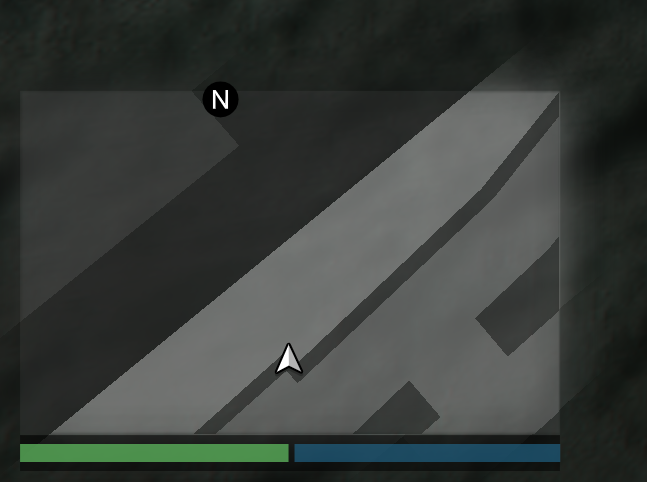 |
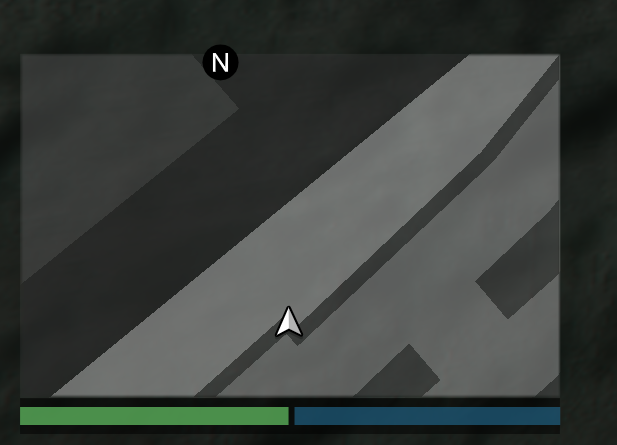 |
- Drop the
fivem_noblur_minimapfolder into your server'sresourcesdirectory. - Add
ensure fivem_noblur_minimapto yourserver.cfg. - Restart your server or run
start fivem_noblur_minimapin the F8 console.
The resource streams a custom texture dictionary (squaremap.ytd) that replaces the default radar mask textures (radarmasksm and radarmasklg) with solid, non-blurred versions. The replacement is applied client-side on startup and automatically cleaned up when the resource stops.
Feel free to use and modify this resource. Credit is appreciated but not required.
Special Thanks to microoowave for emotional support aswell as sexual support!