When applying this blur technique on picture I see some strange 'color cascade':
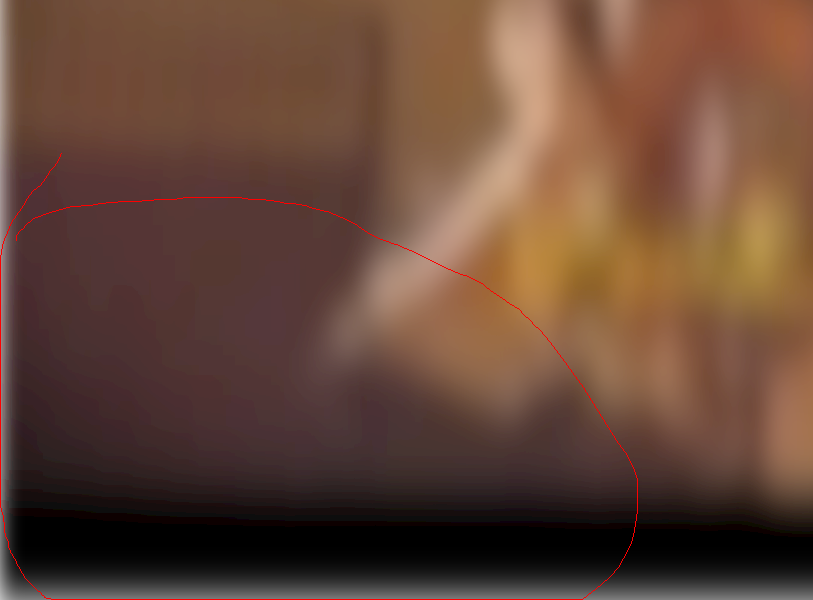
When I create blurred svg image using this technique, it's perfect. Why?
I think, it's because 2nd method blurs image proportionally in opposite to 1th method (your one) which blurs image depending on screensize.
Blur the image proportionally and then style it to element background like this
background: #ccc url('img.jpg') repeat fixed center center / cover;
--
Update:
It's because <filter> miss color-interpolation-filters tag set to sRGB:
<filter id="blur" filterUnits="userSpaceOnUse" color-interpolation-filters="sRGB">
My general advice regarding also issues #6 #5 sounds "do svg code like this":
<svg xmlns="http://www.w3.org/2000/svg"
     xmlns:xlink="http://www.w3.org/1999/xlink"
     width="1500" height="823"
     viewBox="0 0 1500 823">
  <filter id="blur" filterUnits="userSpaceOnUse" color-interpolation-filters="sRGB">
    <feGaussianBlur stdDeviation="20 20" edgeMode="duplicate" />
    <feComponentTransfer>
      <feFuncA type="discrete" tableValues="1 1" />
    </feComponentTransfer>
  </filter>
  <image filter="url(#blur)" xlink:href="https://github.com/some/image.jpg" x="0" y="0" height="100%" width="100%"/>
</svg>
source + read this article
When applying this blur technique on picture I see some strange 'color cascade':

When I create blurred svg image using this technique, it's perfect. Why?
I think, it's because 2nd method blurs image proportionally in opposite to 1th method (your one) which blurs image depending on screensize.
Blur the image proportionally and then style it to element background like this
background: #ccc url('img.jpg') repeat fixed center center / cover;--
Update:
It's because
<filter>misscolor-interpolation-filterstag set tosRGB:<filter id="blur" filterUnits="userSpaceOnUse" color-interpolation-filters="sRGB">My general advice regarding also issues #6 #5 sounds "do svg code like this":
source + read this article