
Your pi agents, in a browser. On your computer or your own VPS.



Getting started · User guide · Guide français · VPS deployment · Changelog
Cogitator is a pi package and web UI, not a separate hosted AI service. Connect your model providers, open a bot, and work through conversations, projects, skills and subagents. Your installation keeps its own data and credentials. The interface is available in English and French, including on mobile.
Release status: this README describes the current
devbuild, including the upcoming 0.5.2 features. The published npm version is shown in the badge above. Features marked in the unreleased changelog require the current source build until publication. Updating from npm does not install unreleased code.
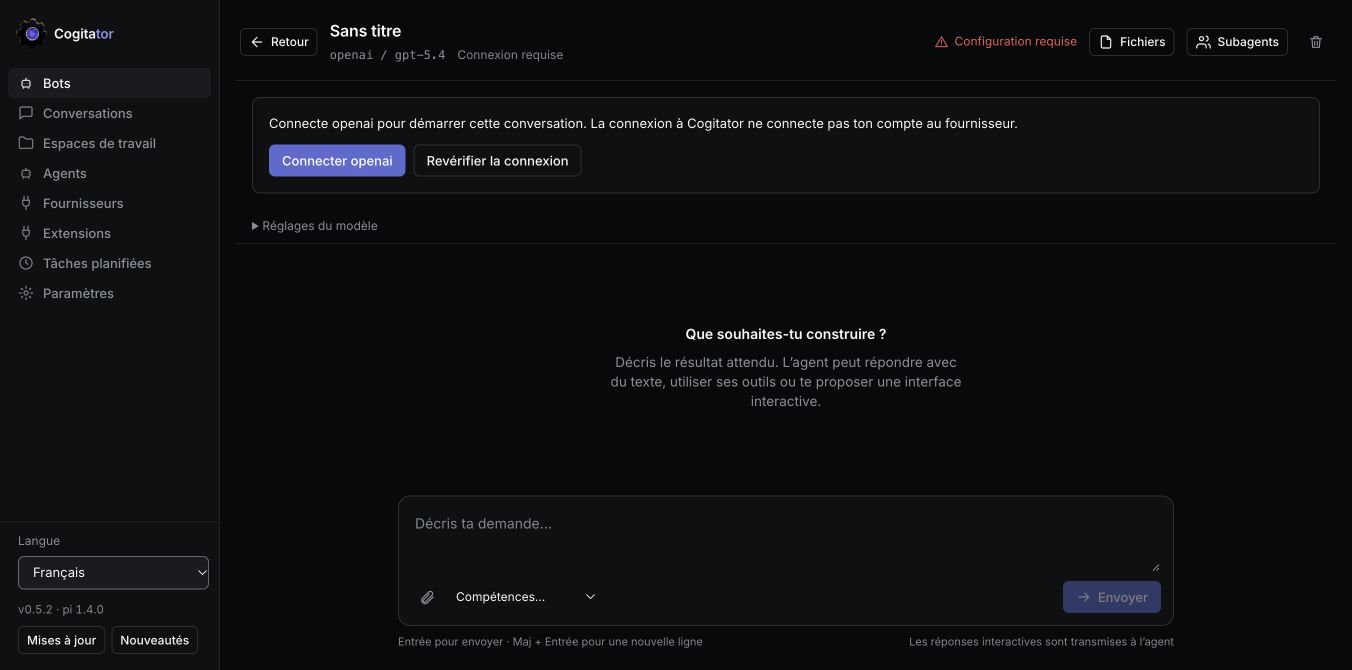
Install Node.js 22.19.0 or newer and pi. Then:
pi install npm:@ignitionai/cogitator
pi
Inside pi, type:
/cogitator
Cogitator opens in your browser at http://127.0.0.1:5320. The command starts the server in the background if necessary; simply installing the package does not start anything. Closing pi leaves the server running, including scheduled tasks. If pi was already open when you installed Cogitator, run /reload first.
- Open Providers and connect the provider you want to use. Cogitator login and provider login are separate.
- Open Bots → Majordome → Talk. Choose an available model if your provider has no access to the initial default.
- Ask for something concrete: “Create a code-review agent for this project. Show me its settings before using it.”
- Open Workspaces to import a GitHub repository or register a server folder.
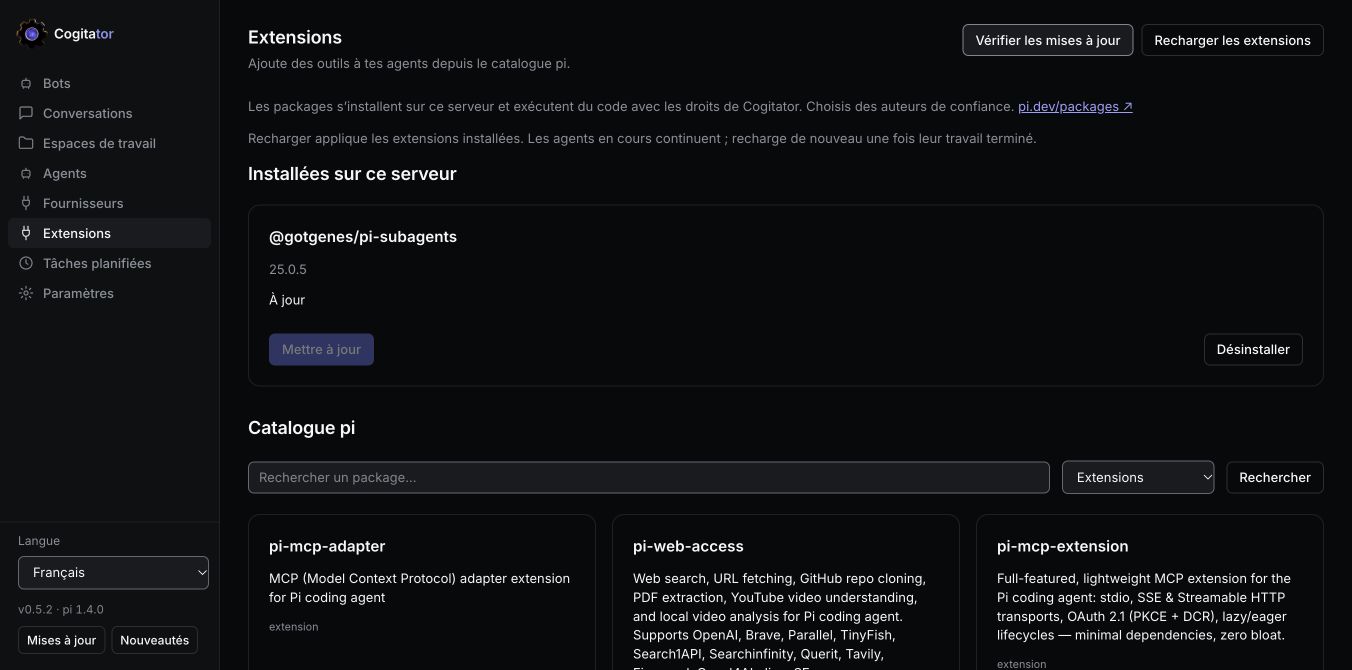
- Add optional tools through Extensions, then reload them.
You can also run npx @ignitionai/cogitator in the foreground. Ctrl+C then stops that server. For source development: npm ci, npm run build, node dist/src/cli.js.
| Bot | What it does | Try asking |
|---|---|---|
| Majordome | Operates Cogitator through its built-in MCP tools: agents, workspaces, conversations and schedules. | “Inspect my project and propose its initial setup.” |
| Chef de Projet / Project Manager | Plans work through GitHub Issues, tracks priorities and dependencies, assigns work to agents. | “Read the board, identify blockers and propose the next three tasks.” |
| Architecte de Skills / Skills Architect | Creates reusable SKILL.md procedures with references and validation. |
“Create a skill for reviewing API changes, with an example and acceptance criteria.” |
These are editable agent presets, not separate subscriptions. Select their provider, model, reasoning level, instructions, skills and MCP servers in Agents. The Project Manager can use additional workflow skills when they are installed; those third-party skills are not bundled automatically. See the working guide.
- Conversations: streaming responses, tool results, code, images, files and diffs. Change the model without discarding history once the current turn finishes.
- Projects: import GitHub repositories, connect a private GitHub account, inspect project files, use a GitHub Issues board and start agent work from a ticket.
- Subagents: install
@gotgenes/pi-subagentsfrom Extensions to enable delegation. Click a child in the Subagents panel to read its conversation in a large dialog, with live progress and expandable tools. The parent keeps working. - Extensions: browse the pi catalog, install packages, check their versions, update individually and reload idle conversations. Active parents and background children keep running.
- Skills: import reusable procedures, attach them to agents or invoke
/skill:namein a message. Ask the Skills Architect to create a missing procedure. - Schedules: repeat a task with cron, inspect run history and review its outcome. The server must remain running; model usage is billed by your provider.
- MCP: the bundled stdio MCP server lets agents operate Cogitator. Agent presets can also use other MCP servers; Settings exposes global MCP configuration.
The current build supports a single-owner installation on a remote Unix VPS, behind HTTPS, protected by email and password. The email is the username/login identifier; no mail service is required. MFA is optional. Each person installs their own Cogitator: there is no public signup or shared multi-user service.
The server stays bound to 127.0.0.1; Caddy or another trusted reverse proxy terminates HTTPS. Initialize authentication offline, then require it at every startup:
cogitator auth init --origin https://cogitator.example.org --email owner@example.org
cogitator --auth-required
Use an auth-capable build and the same dedicated OS account/data directory for both commands. Password entry is interactive and hidden. Do not proxy an unprotected default local instance to the internet.
Follow the VPS guide for source installation, systemd, HTTPS, directories, health checks, maintenance and rollback. Native login protects browser access; agents still run with the server account’s permissions. Worker isolation, automatic recovery and backup/restore qualification remain separate work—not a promise of a sandboxed multi-tenant service.
The sidebar footer groups Language → running version → Updates → What’s new.
Updates checks the running Cogitator version against npm and shows the appropriate update instructions. It distinguishes a newer development deployment from the published npm release; it never suggests a downgrade. What’s new gives a short overview, with a link to the full changelog.
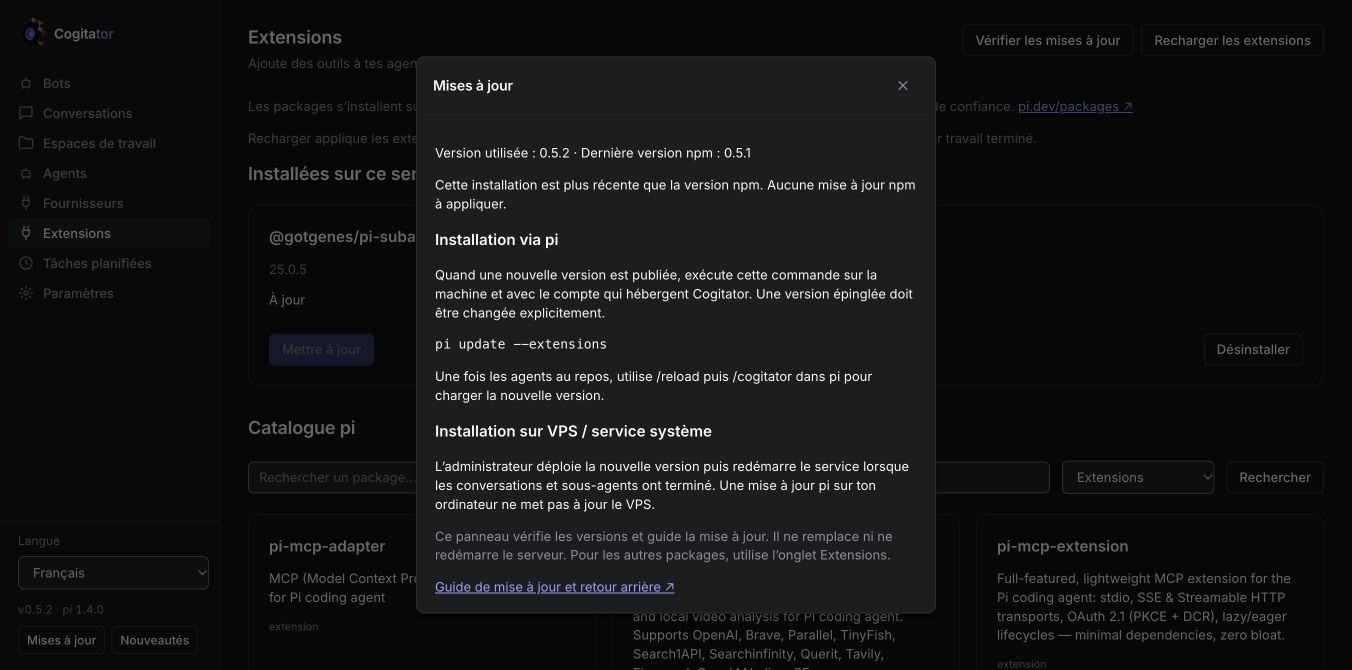
For a pi installation, when a newer release is published:
pi update --extensionsWait for active agents to finish, then run /reload and /cogitator inside pi. An explicitly pinned source must be changed to the desired version. /cogitator can restart an older server only after verifying its process identity; it will not terminate an unrelated listener.
For a systemd/VPS deployment, update the server’s release and restart its service after work finishes; a laptop’s pi update does not deploy the VPS. See updating and rollback. The footer currently checks and guides; it does not self-install or restart Cogitator. The separate Extensions screen does install/update pi packages.
Default application data is in ~/.cogitator; provider credentials, installed packages and conversation journals use the configured pi profile. On a VPS these are server directories, not your laptop’s files. COGITATOR_HOME and COGITATOR_PI_AGENT_DIR select explicit homes. Uninstalling the pi package does not delete your application data.
| Symptom | What to check |
|---|---|
| Provider connection appears stuck | Complete the provider’s device/browser flow. For a remote OAuth callback, follow the return-URL instructions in Cogitator; 127.0.0.1 in your laptop browser is not the VPS. |
| Unsupported model | Select a model supported by the connected provider, then apply it. A saved credential alone is not proof that every model is available. |
| No subagent tools | Install the subagent extension in the server’s pi profile and reload after active work finishes. |
| Private clone fails | Connect GitHub in Workspaces; check organization/SSO access and that gh is installed on the server. |
| Workspace outside enrolled roots | Configure the dedicated project root for the server. See the VPS guide. |
| UI shows old code after deployment | Refresh the browser. Reconnecting a conversation does not replace the loaded web bundle. |
| Wrong password / lost MFA | Use offline owner recovery with the server stopped. There is no email password reset. |
Browser → REST + SSE → Node controller → pi RPC conversations and subagents
                          ↕
                SQLite + native pi files
Agents → bundled stdio MCP → Cogitator operations
Node is the supported runtime; Bun cannot currently replace it for this application's better-sqlite3 usage. The repository uses TypeScript, React and a regression suite (npm test, npm run build). See architecture, authentication, interactive responses, and deployment evidence.
MIT — © Salim Laimeche